On this page
What is bulk SMS, and why Nigerian businesses use it
Bulk SMS is exactly what it sounds like. You send the same text message — or a personalized version of it — to a large list of phone numbers at once, instead of typing each one out by hand. Think of a boutique in Lagos texting “Sale starts tomorrow!” to 2,000 customers. Or a clinic in Abuja reminding patients about appointments. Or a fintech sending a one-time PIN. All of that is bulk SMS.
It's still one of the most reliable ways to reach Nigerian customers directly. The reason is simple: nearly everyone with a phone can receive an SMS. No app, no internet connection, and no WhatsApp account required. Open rates for SMS consistently beat email — people read most messages within minutes of arriving, not days later in an inbox nobody checks.
The challenge most Nigerian businesses run into isn't whether to use SMS — it's how to send it without either (a) doing it manually, one text at a time, or (b) paying international per-message rates that don't make sense for a local business. That's what the rest of this guide covers.
How bulk SMS pricing actually works in Nigeria
Most bulk SMS providers — including the big international platforms — charge per message sent. You buy a bundle of “units” or “credits,” and every SMS you send draws from that balance. The price per unit usually depends on:
- Volume tier — buy more credits upfront, pay a slightly lower rate per message
- Destination network — some providers charge differently for MTN vs Airtel vs Glo vs 9mobile
- Sender ID registration — a custom sender name (e.g. “MYSTORE” instead of a random number) often requires a one-time or recurring registration fee
- Delivery guarantees — some platforms charge more for “guaranteed” delivery routes
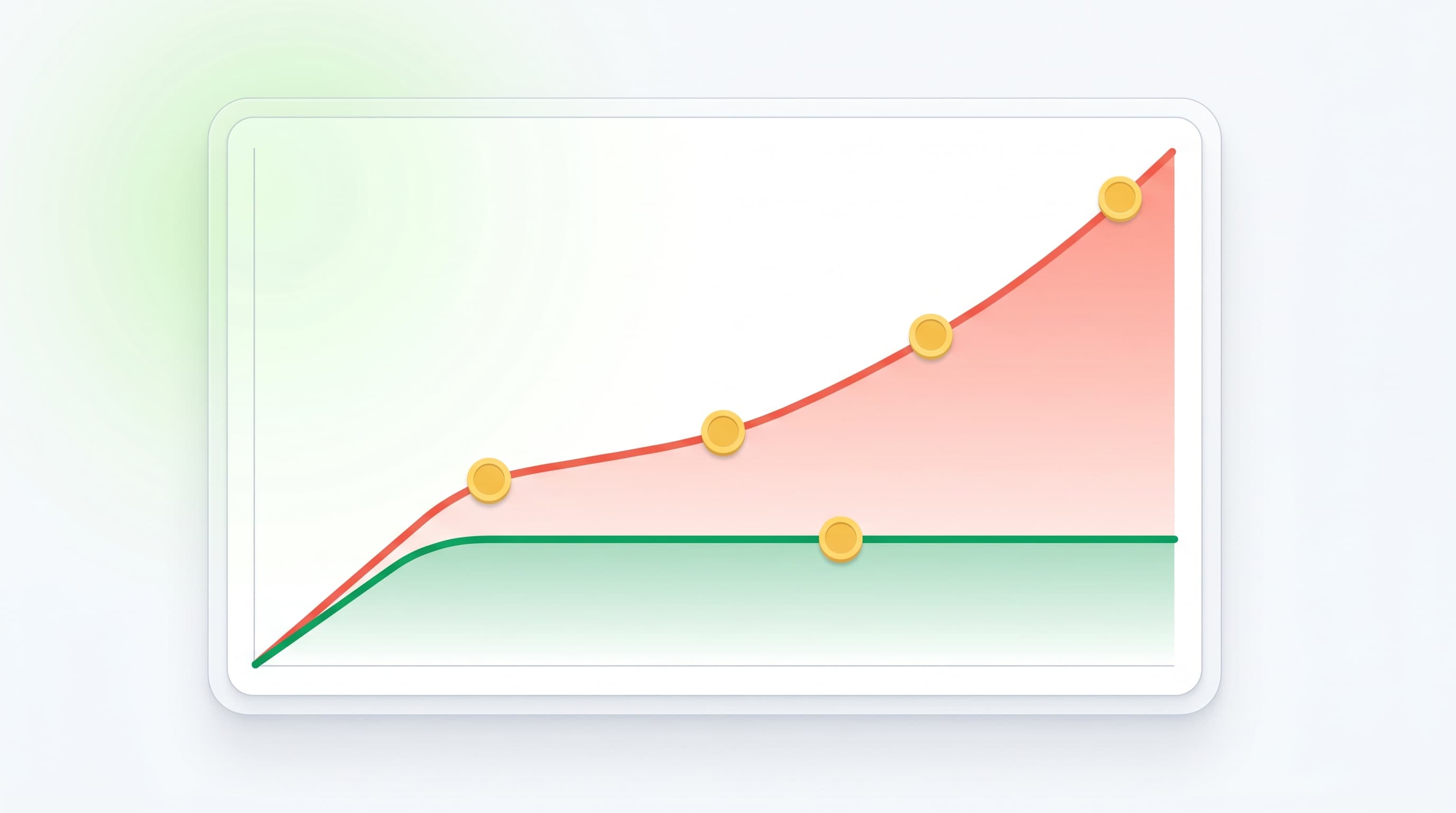
This per-message model works fine at low volume, but it scales badly. A business sending 500 messages a month barely notices the cost. A business sending 50,000 messages a month for promotions, reminders, and alerts can watch that bill grow every single month, with no ceiling — the provider charges you more the more your business succeeds at reaching customers, which is a strange incentive to build a marketing channel around.
In practice, this puts the typical per-message rate from Nigerian bulk SMS providers around ₦6.99 per SMS. That might look small in isolation, but it adds up fast: a business sending 5,000 messages a month is looking at roughly ₦35,000 just in message fees — and that number keeps climbing in a straight line with every customer reached, every month, with no end in sight.
| Sending model | Per SMS | 5,000 messages / mo | Scales with volume? |
|---|---|---|---|
| Typical Nigerian provider | ₦6.99 | ~₦35,000 | Yes |
| SMSDora (device-based) | ₦0 | from $12/phone flat* | No |
*SMSDora bills a flat monthly fee per connected phone (from $12/phone), plus your normal SIM/airtime plan — not per message. Provider rates vary; check current pricing before you commit.
A different model: flat-rate, device-based pricing
SMSDora works differently. Instead of charging per message, you pay a flat monthly fee per connected Android phone — currently from $12/month for one phone. Once you connect a phone, you can send 10 messages or 10,000 messages through it in a month, and the bill doesn't change. The phone sends SMS the same way you would by hand — through a real SIM card on a real Nigerian carrier — except automated through SMSDora's dashboard or API.
This matters most for businesses with real send volume: the math that punishes you in a per-message model (more customers reached = bigger bill) simply doesn't apply here.
Your three options for sending bulk SMS
There are three broad ways Nigerian businesses send bulk SMS today. Worth understanding all three, because the right one depends on your volume and your technical comfort level — not every business needs the same setup.
Option 1: A web dashboard (no technical skill needed)
You log into a website, upload a contact list (usually a CSV/Excel file), write your message, and hit send. This is the most common starting point for small businesses — no developer required, no setup beyond an account. SMSDora's dashboard works this way, and it's where most of our customers start.
Option 2: An API (for developers)
For businesses that want SMS triggered automatically — an OTP when someone signs up, a delivery alert when an order ships, a reminder triggered by your own app's logic — an API lets your own software send the message automatically, without anyone clicking a button. This is the right choice if you're already building or running a product that needs messaging baked in.
SMSDora's API includes a ready-to-use OTP flow specifically, so developers don't have to build one-time-password logic from scratch — wire it up and start verifying users in minutes.
Option 3: A device-based gateway (the affordable option)
This is where SMSDora differs from most platforms. Instead of routing your messages through the provider's own bulk infrastructure (which is what drives per-message pricing), you connect your own Android phone(s), and messages send through that phone's real SIM card — the same way a text from your personal phone would go out. You get the dashboard and the API either way; the device is just how the message physically leaves, and it's what makes flat-rate pricing possible.
We built SMSDora this way because most bulk SMS services in Nigeria are simply too expensive for what a small or growing business actually needs. Per-message pricing punishes you for succeeding — the more customers you reach, the bigger the bill, with no ceiling. That never sat right with us. A flat monthly rate per phone means a business can grow its send volume without watching its messaging costs grow right alongside it.
How to send bulk SMS in Nigeria (step by step)
If you're starting from zero, here's the general process — this applies broadly across most platforms, including SMSDora:
- Build your contact list. Export or compile the phone numbers you want to reach — usually as a CSV/Excel file with names and numbers. Clean it up first: remove duplicates and clearly invalid numbers, since sending to dead numbers wastes credits or send capacity for no benefit.
- Choose or write your message. Keep it short, clear, and include what you want the reader to do (a link, a code, a call to action). If you're sending the same type of message repeatedly — order confirmations, appointment reminders — save it as a template so you're not rewriting it each time.
- Personalize it (optional but effective). Most platforms let you insert variables like {{name}} so each recipient gets “Hi Chidi,” instead of a generic blast. Personalized messages generally get better engagement.
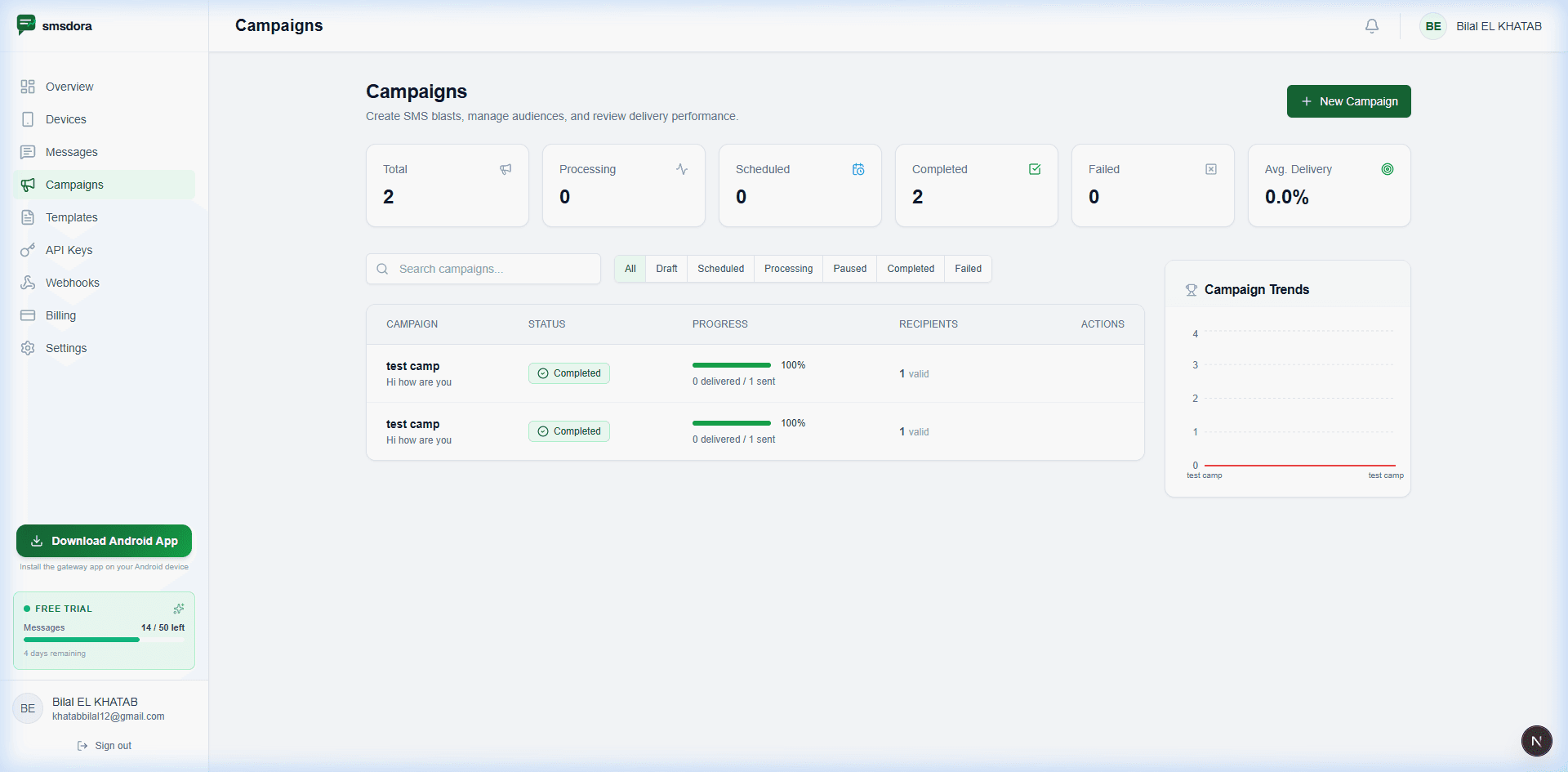
- Send and monitor. Launch the campaign and watch delivery in real time — how many were sent, delivered, and pending. This is where it matters whether your provider gives you real visibility, rather than just a “sent” confirmation with no way to know if it actually arrived.
- Review what happened. After the send, check your delivery report. A high failure rate on a specific network can mean a routing issue worth raising with your provider.
One thing worth knowing upfront: “sent” and “delivered” are not the same status, and it's easy to assume a campaign worked just because the dashboard says messages went out. Always check the delivery breakdown specifically, not just the send confirmation — a message can leave your phone successfully and still fail to land in the recipient's inbox for reasons outside your control (a switched-off phone, a full inbox, a network issue). Knowing the real delivered count, not just the sent count, is what tells you whether your campaign actually worked.
Bulk SMS on MTN, Airtel, Glo and 9mobile
One detail that catches businesses off guard: delivery isn't always identical across Nigeria's four major networks. Routing, delivery speed, and occasionally sender ID display can behave slightly differently depending on whether you're sending to MTN, Airtel, Glo, or 9mobile numbers. If you ever notice one network doing worse in your delivery reports, it's worth flagging to your provider rather than assuming it's something on your end.
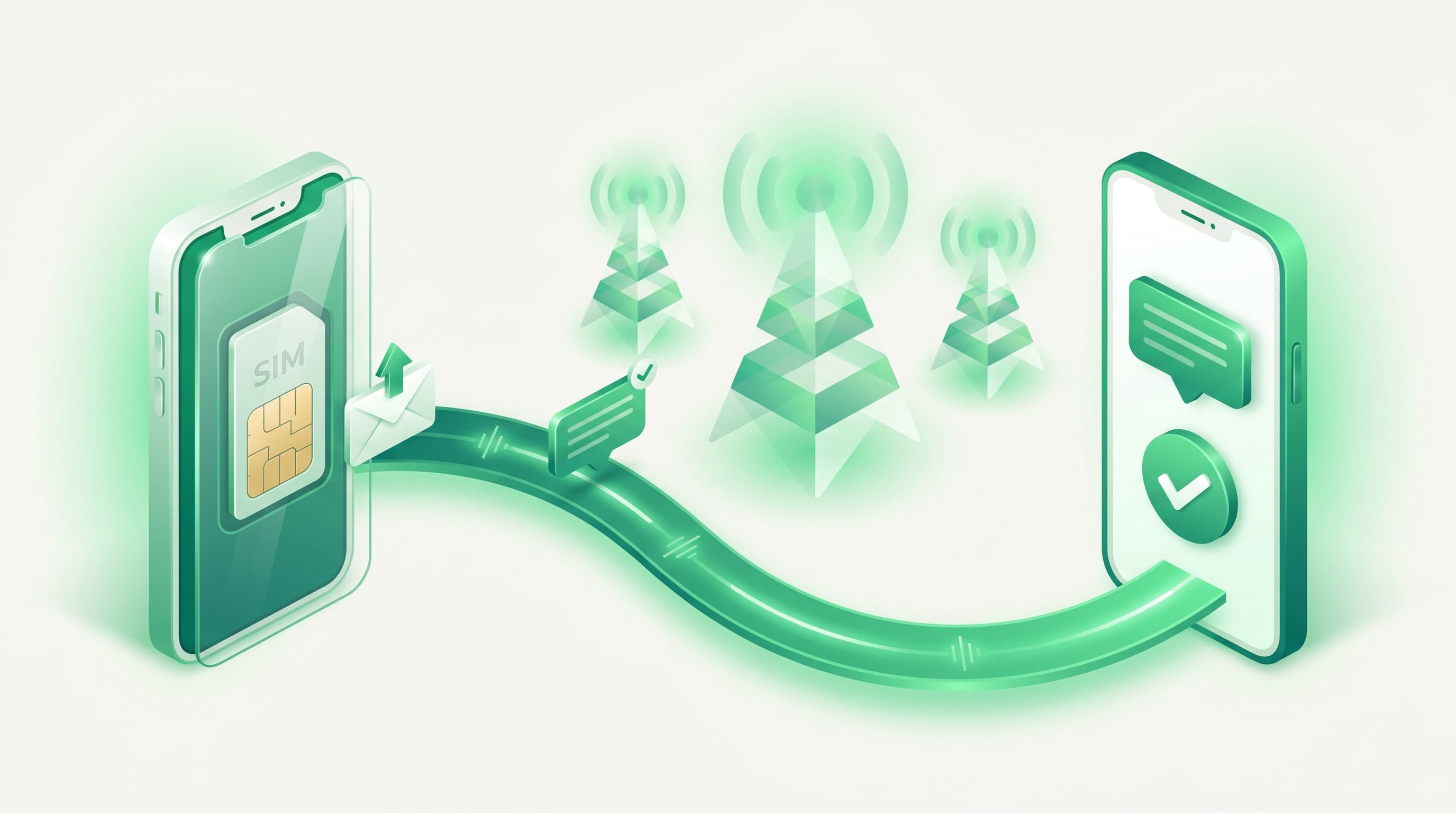
What doesn't change: because SMSDora sends through a real SIM card on a real network — not a generic international shortcode — your messages go out the same way a normal text from that network would, which is part of why they land in the inbox rather than getting filtered as bulk traffic.
Choosing the right bulk SMS provider
A few honest questions worth asking before you commit to any provider, SMSDora included:
- How does pricing actually scale? Ask what happens to your bill at 10x your current volume — per-message pricing means the answer is “10x more,” every time.
- Can you see real delivery status, not just “sent”? A “sent” confirmation isn't the same as “delivered.” Make sure you can tell the difference.
- Is there a real API if you'll need one later? Even if you start with the dashboard, growing businesses often end up wanting automation eventually.
- What happens if something goes wrong mid-send? Ask how the provider handles a failed send, an offline issue, or a delivery problem — and whether you'll actually know about it.